How to Use the Jam Feed: Post, Browse, and Connect
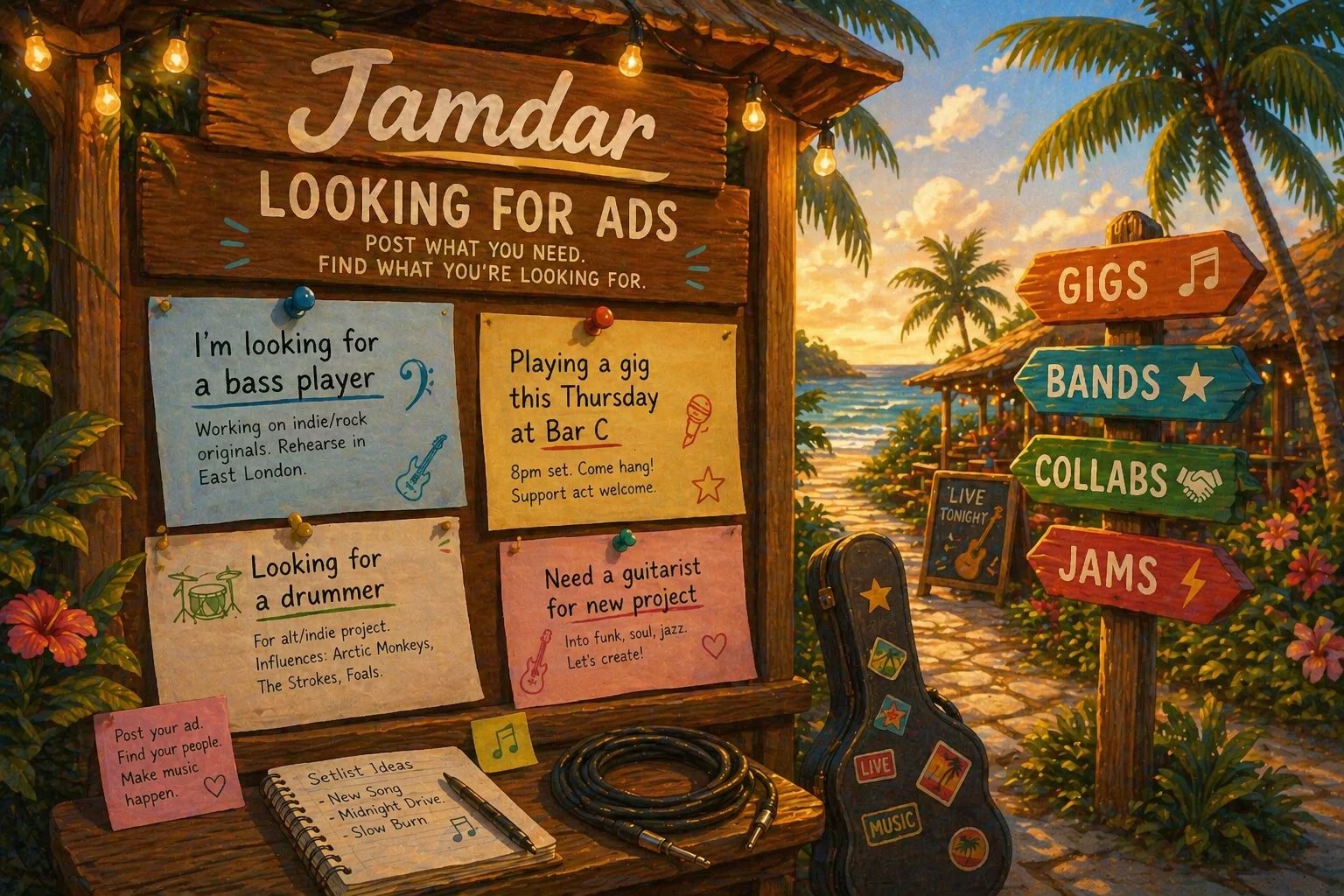
Whether you're looking for a bassist to join your band, advertise an upcoming gig, or just want someone to jam with on a Sunday afternoon - the Jam Feed is the place to post it.
The Four Post Types
Seeking Musician
Use this when you need someone to join a project — a vocalist hunting for a guitarist, a rhythm section that needs a singer, or a solo writer wanting a collaborator.
Good to include: your genre and style, how often you rehearse, the experience level you're after, and whether it's paid or for fun.
Example: "Bassist needed for original post-rock band in Manchester. We rehearse twice a week and play small venues."
Available for Hire
You're the product. Advertise your skills for paid work, session playing, studio recording, or anything where someone else is doing the hiring.
Good to include: your instruments, the genres you cover, the kinds of work you're open to, and your rates if you're happy to share them.
Example: "Experienced session drummer available for gigs and studio sessions in London. Comfortable across rock, jazz, and soul."
Jam Partner
No band commitment, no auditions — just looking for someone to play with. Use this for casual jams, exploring a new genre, or a regular playing session.
Good to include: instruments, the vibe you're going for, how often you'd like to meet, and how far you're willing to travel.
Example: "Jazz guitarist looking for a pianist to play standards with once a week in Paris."
One-Off Gig
Promoting an event? Use this type to let other musicians and music fans know about an upcoming gig. Add the venue, date, time, and a ticket link if there is one.
Good to include: who's playing, what genre, where it is, and what attendees can expect.
Example: "Jazz-fusion trio playing The Fiddler in Hackney, London this Saturday. Tickets at the door."
Creating a Post
Tap Post in the Jam Feed to open the form. It runs in three steps.
Step 1 — Post details
Choose your post type, write a title, and fill in the main body. You can also tag instruments and genres to help people find your post when they filter the feed.
Step 2 — Gig details (One-Off Gig only)
Fill in the venue, date, time, and an optional ticket or event link.
Step 3 — Reach and duration
Decide how far your post reaches and how long it runs.
- Duration: 1 to 12 months (gig posts run until the event date automatically)
- Local or global: toggle to show your post worldwide, or restrict it to a radius around your location. Drag the circle on the map, move the centre, or search for a specific place.
After You Post
Posts go through a quick review before they go live. While yours is pending it's visible to you (marked as pending), but other users won't see it until it's approved.
Browsing the Feed
Use the filters at the top of the feed to narrow things down:
- Post type — see only Seeking Musician posts, only Gigs, etc.
- Instruments — find requests or players for a specific instrument
- Genres — filter by your style
- Search — keyword search across titles and post bodies
Posts expire automatically at the end of their duration, so everything in the feed is current.
Tips for a Good Post
- Be specific in the title. "Drummer needed – punk band, Brighton" beats "Looking for drummer".
- Say what you want and what you offer. The best posts answer both sides.
- Set a realistic radius. If you won't travel more than 20 km, set 20 km — you'll get more relevant responses.
- Keep it friendly. You're not writing a job ad. A bit of personality goes a long way.
Ready to post? Head to the Jam Feed and get your listing up in under a minute. 🎸